
KeyShot vs Vizcom vs Depix: Which AI Visualization Tool Is Best for Product Design Teams?
Design teams today don't just need better renders. They need faster decisions, clearer communication, and a more efficient way to turn early ideas into visuals that people can understand immediately.
That's why more teams are evaluating platforms like KeyShot, Vizcom, and Depix.
Each tool approaches visualization differently. KeyShot comes from the world of traditional 3D rendering. Vizcom represents a more modern AI-native approach to concept ideation. Depix sits in an increasingly important middle ground: helping teams turn rough inputs into polished, decision-ready visuals quickly and flexibly.
So which one is best? The answer depends on what your team actually needs from a visualization workflow.
The Real Challenge Isn't Rendering — It's Speed to Clarity
Most product teams are not starting with perfect final CAD, finished geometry, or a fully resolved design direction. More often, they're working with:
sketches
CAD screenshots
rough product photos
material references
unfinished concepts
multiple creative directions under time pressure
In those moments, the goal isn't simply to generate a beautiful image. The goal is to create a visual that helps teams review ideas, align stakeholders, accelerate approvals, and move the project forward.
That's the real lens through which tools like KeyShot, Vizcom, and Depix should be compared.
KeyShot: Strong for Traditional Rendering Workflows
KeyShot has long been one of the most recognized names in product visualization. It has built its reputation on high-quality rendering, established workflows, and strong credibility with enterprise and professional design teams.
For teams already centered around traditional 3D pipelines, that makes KeyShot a natural choice.
Where KeyShot stands out:
- ●professional product rendering
- ●strong industry recognition
- ●enterprise familiarity
- ●polished output quality
- ●fit with mature CAD-based workflows
If your team already has a conventional visualization process and wants a proven rendering platform, KeyShot remains a strong option.
Where KeyShot feels less flexible:
The challenge is that many teams today need more agility earlier in the process. When the starting point is a sketch, a rough screenshot, or an incomplete concept, traditional rendering workflows can feel heavier than necessary. They are powerful, but not always the fastest path to communication-ready visuals.
That's where newer AI-first workflows start to look more attractive.
Vizcom: Strong for AI-Native Ideation
Vizcom has quickly become one of the most talked-about AI platforms for product designers, especially among teams that want fast sketch-to-render workflows. Its appeal is clear: it feels modern, fast, and creatively energizing.
Where Vizcom stands out:
- ●rapid ideation
- ●sketch-based exploration
- ●quick concept iteration
- ●designer-friendly workflow
- ●visually polished product experience
For industrial designers and product teams working through multiple early-stage directions, Vizcom offers a compelling environment for speed and experimentation.
Where Vizcom can leave gaps:
The limitation is that ideation is only one part of the workflow. Many teams also need visuals that can support internal design reviews, executive approvals, client presentations, go-to-market discussions, and cross-functional communication.
That means they need more than inspiration. They need outputs that are practical, persuasive, and easy to use across the business.
Depix: Built for Rough-Input-to-Useful-Output Workflows
This is where Depix stands out. Depix is compelling because it is not limited to either traditional rendering or pure ideation. Instead, it helps teams move quickly from rough input to polished visual output — often without requiring a rigid or overly technical process.
That matters because real-world design workflows are rarely clean. Teams need to work from whatever they have in the moment, whether that's a sketch, a CAD screenshot, a reference image, a rough product photo, or a partially developed concept.
Depix helps turn those inputs into visuals that are not only attractive, but useful.
What makes Depix different:
- ●sketch to photoreal visual
- ●CAD screenshot to refined concept image
- ●product image enhancement
- ●scene replacement
- ●inpainting and image editing
- ●style and material exploration
- ●image upscaling for presentation-ready output
That gives teams a faster path to visuals they can actually use in meetings, reviews, approvals, and planning.
Why Depix Is a Strong Alternative to KeyShot and Vizcom
When teams search for a KeyShot alternative or a Vizcom alternative, they are often looking for a better balance of speed, flexibility, and practical output. Depix offers that balance in three important ways.
It works well with imperfect inputs. Not every team starts with pristine 3D assets or finished concepts. Depix is valuable because it helps teams create compelling visuals from the rough materials they already have. That lowers friction and speeds up the path from idea to communication.
It supports both design and business communication. Some tools are optimized for designers alone. But in practice, product visuals often need to work across multiple audiences — design reviews, leadership alignment, customer-facing presentations, marketing preparation, and faster internal buy-in. That makes Depix useful not just as a creative tool, but as a communication tool.
It offers flexibility for real teams. Modern teams often care about more than image quality or speed alone. They also care about workflow fit, privacy, deployment options, and adaptability across industries. For organizations evaluating AI seriously, those considerations matter.
KeyShot vs Vizcom vs Depix: Quick Comparison
KeyShot — Best for traditional 3D rendering workflows
Vizcom — Best for AI-powered concept ideation
Depix — Best for fast concept-to-visual communication
Which Tool Is Right for Your Team?
If your team is deeply rooted in a mature 3D rendering pipeline and wants a trusted visualization standard, KeyShot is a strong fit.
If your team wants a fast, modern, AI-native ideation experience built around sketch exploration, Vizcom is a strong fit.
But if your team needs to move quickly from rough concept to polished visual — especially when those visuals need to help people review, align, approve, and act — then Depix may be the better choice.
That's because Depix is built around a more practical question: how quickly can we turn incomplete inputs into compelling visuals that move the project forward? For many teams, that is the question that matters most.
The Bigger Shift in Product Visualization
The most important change in this category is that visualization tools are no longer just about rendering. They are increasingly about communication.
The best platforms help teams answer questions like:
What could this concept look like in the real world?
Which direction should we pursue?
How do we show this clearly to stakeholders?
How do we reduce friction in the review process?
How do we create momentum earlier in the project?
That shift is exactly why Depix is worth attention. It helps teams create visuals that do more than look good. It helps them create visuals that help people decide.
Final Verdict
KeyShot is strong. Vizcom is strong. But they solve slightly different problems.
Depix stands out because it addresses the space between traditional rendering and pure ideation — the space where most teams actually work. It gives product teams a faster way to turn sketches, screenshots, and rough concepts into polished visuals that support real decision-making.
And in modern design workflows, that kind of clarity is often more valuable than the render alone.
">If your team is looking for a faster, more flexible AI visualization workflow, Depix is well worth a closer look.
Want to see how Depix transforms rough concepts into photoreal, decision-ready visuals? Book a demo and explore the workflow firsthand.
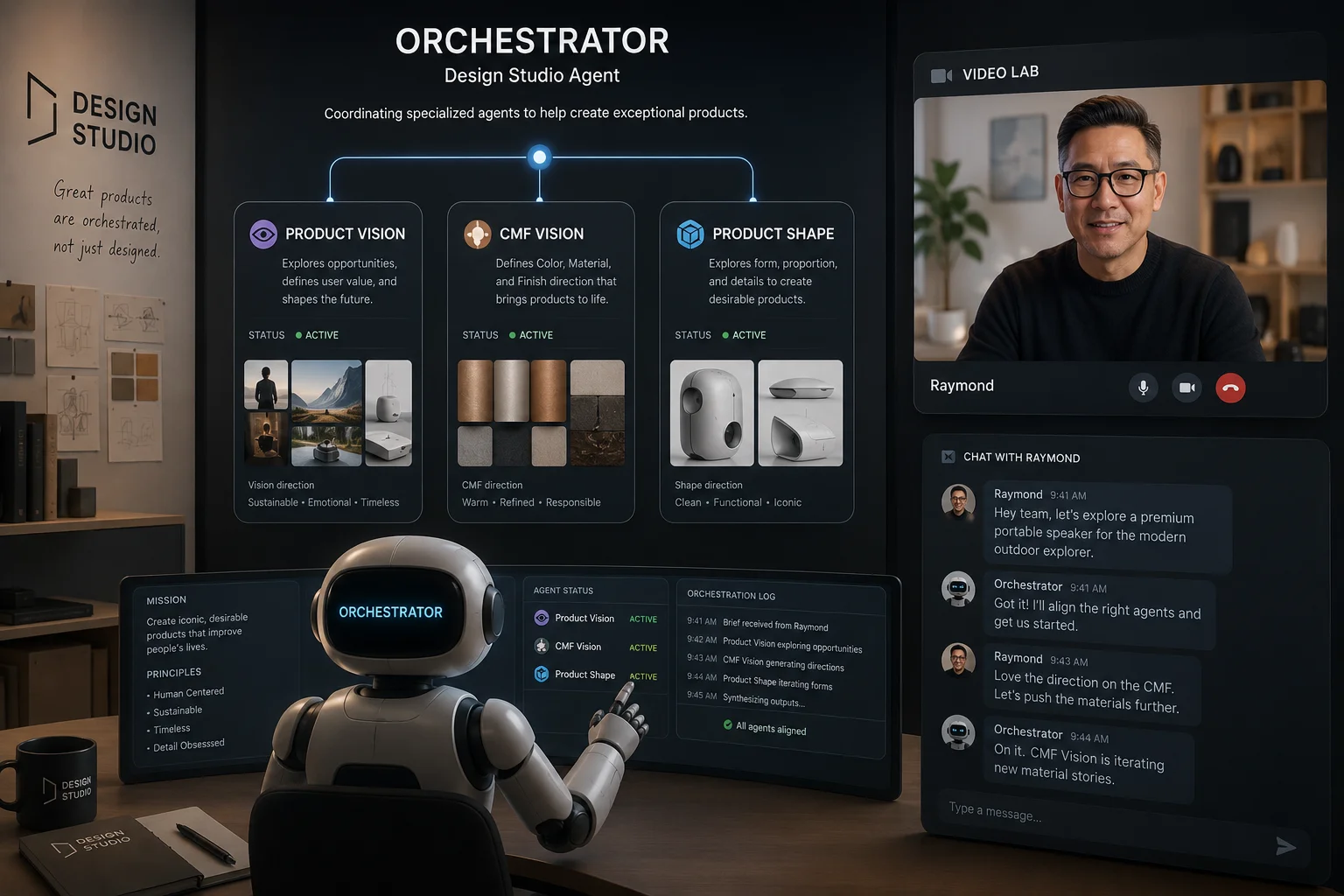
Your New Design Team Is a Network of Agents
Develop3D Live 2026: The Real Challenge Is Not Generating Digital Output. It Is Getting to Physical Outcomes.
Related posts

The Spreadsheet Draws the Building: What Expo Real Reveals About Who Really Designs Our Cities
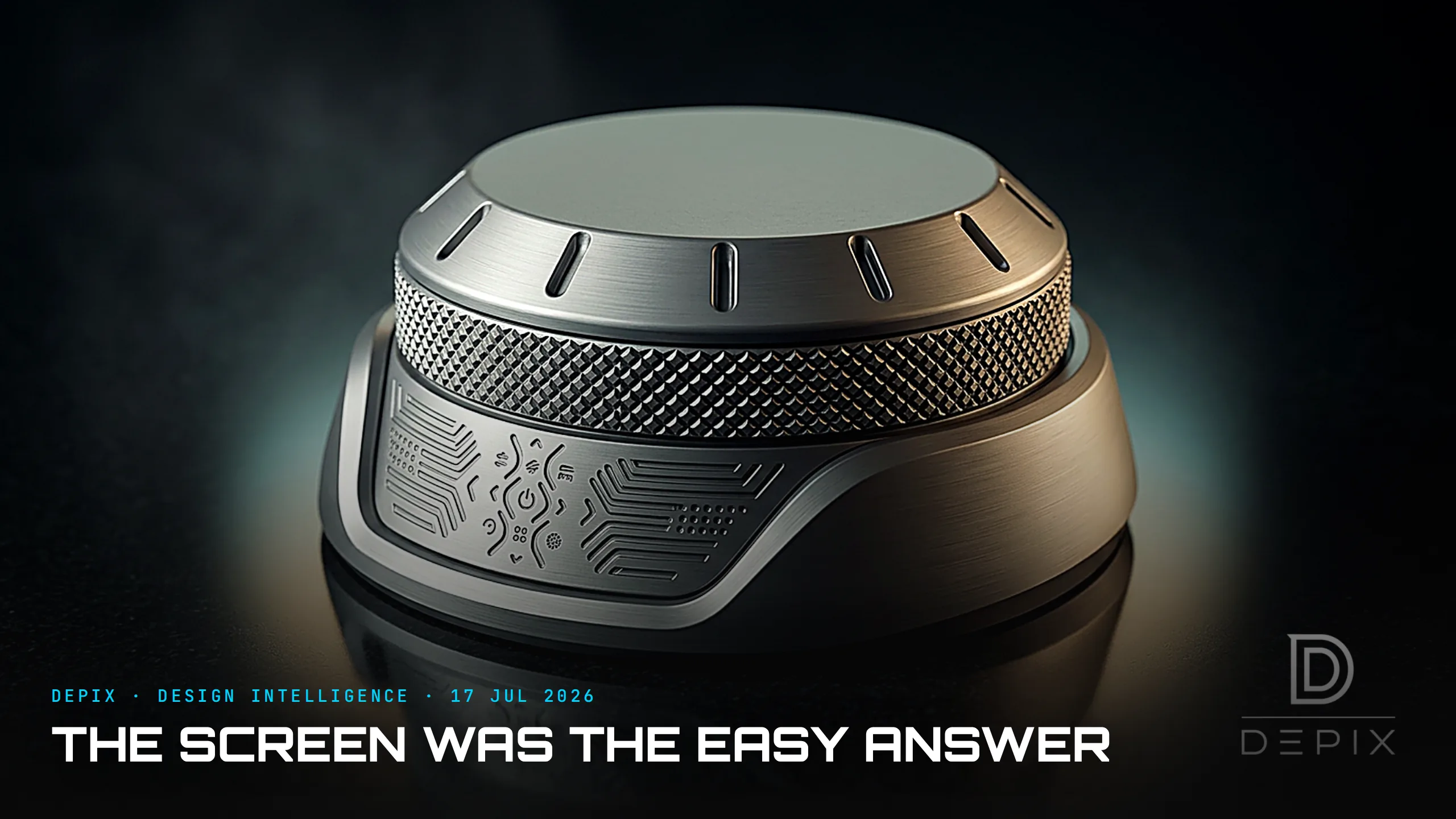
The Screen Was the Easy Answer: What IFA 2026 Reveals About Designing the Interface

Design for the Equator: What Singapore Design Week Reveals About Building for a Hotter World